

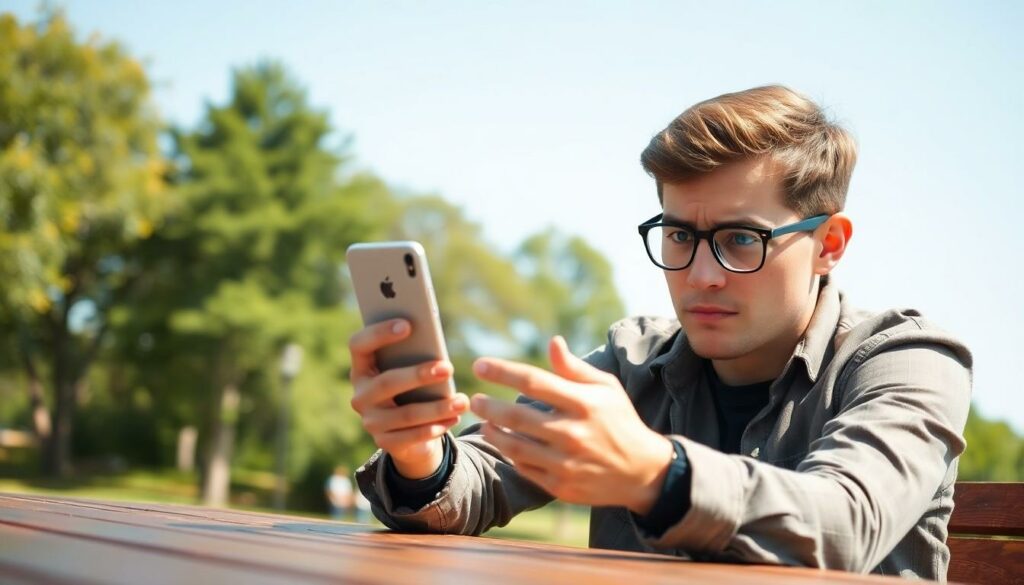
Imagine this: you’re about to capture the perfect sunset or that goofy moment with friends, and suddenly your iPhone camera decides to play hide and seek. Frustrating, right? It’s like your phone is saying, “Not today!” But don’t worry; you’re not alone in this digital drama. Many iPhone users have faced the same perplexing issue, and there’s often a simple fix lurking just out of sight.
Common Issues With iPhone Cameras
iPhone camera problems often stem from common issues that can be easily identified. Understanding these issues helps users troubleshoot effectively.
Software Glitches
Software glitches frequently disrupt iPhone camera functionality. Apps running in the background may conflict with the camera app, causing it to freeze or crash. Updating the iOS version ensures users benefit from the latest bug fixes and enhancements. Clearing the camera app’s cache can also resolve minor performance issues. Restarting the phone often clears temporary software conflicts too.
Hardware Problems
Hardware problems can prevent the camera from working altogether. Physical damage to the camera lens or internal components often leads to malfunction. Dirt or debris obstructing the lens significantly affects image quality. In some cases, battery issues can cause the camera to behave unpredictably. Users should inspect the phone for visible damage and consider professional repair if necessary.
Troubleshooting Steps
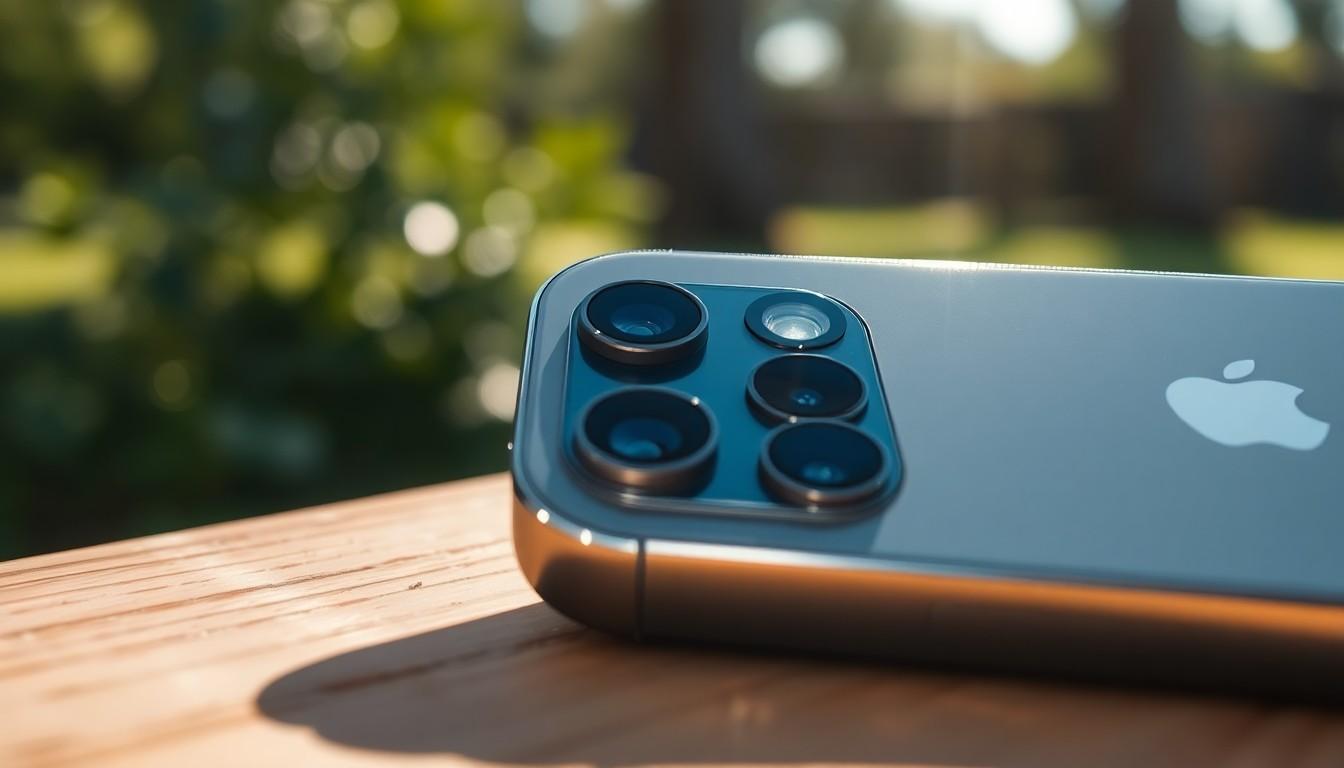
Troubleshooting common camera issues on an iPhone might require a few simple actions. Following these steps can help restore camera functionality.
Restart Your iPhone
Restarting the iPhone often resolves temporary glitches. Press and hold the side button and one of the volume buttons until the power-off slider appears. Slide it to power down and wait for about 30 seconds. After that, turn the device back on by pressing the side button again. Many users find that this quick restart clears any software issues that were affecting the camera.
Update iOS
Updating iOS ensures that the phone operates with the latest features and fixes. Open the Settings app, scroll down, and tap on General. Select Software Update to check for available updates. If an update is available, follow the prompts to download and install. Outdated software frequently causes compatibility issues with the camera, so staying up to date is essential.
Reset Camera Settings
Resetting the camera settings can restore default options without affecting other phone settings. Open the Settings app, navigate to Camera, and tap on Reset Settings. Confirm the reset when prompted. This action can rectify specific configuration problems that impact camera performance. Users can see improvements when settings return to their defaults.
Additional Solutions
Several additional solutions may address camera issues on an iPhone. Users can try the following steps to diagnose and resolve potential problems.
Check for Third-Party App Issues
Third-party apps often interfere with the camera’s performance. Remove any recently installed applications to determine if they cause conflicts. Users can also try closing background apps that may affect functionality. Access the app switcher by swiping up from the bottom of the screen and swiping away any active apps. After doing this, open the camera app again to check if it works properly. If the camera functions normally, consider reinstalling the removed app selectively. Identifying problematic apps often leads to a smoother experience moving forward.
Inspect for Physical Damage
Physical damage can significantly impact camera operation. Examine the camera lens for scratches, cracks, or dirt that may obstruct visibility. Users should also check surrounding components, looking for any signs of damage that could affect performance. Consider using a microfiber cloth to carefully clean the lens and remove any smudges. If visible damage is present, seeking professional repair services is prudent. Ensuring the camera’s hardware remains intact often restores full functionality to the device.
Professional Help
Seeking professional help becomes essential when troubleshooting doesn’t resolve camera issues. Sometimes, users may overlook signs of hardware damage that can impact camera performance. Finding a reliable repair service is crucial to ensure proper diagnostics and repairs.
Authorized repair centers provide trained technicians equipped with the necessary tools. Repair experts can assess the camera’s functionality and identify underlying issues effectively. Understanding warranty status is also important; if the iPhone is still under warranty, using authorized repair services may prevent additional costs.
Local repair shops might offer a quicker turnaround time, but verifying their credibility is vital. Checking reviews and ratings helps determine their reliability. Users should request a diagnosis before proceeding with any repairs for clarity on what issues exist.
Repair costs can vary significantly depending on the nature of the problem. Users should expect to pay higher fees for internal component replacements compared to simple lens cleaning. Maintaining a clear line of communication with repair professionals ensures that users stay informed throughout the process.
Professional help addresses concerns that software updates and simple troubleshooting can’t resolve. Finding a professional is often the best route when severe damage is suspected. Trusting qualified technicians brings peace of mind that repairs will restore the camera’s functionality.
Conclusion
Experiencing camera issues on an iPhone can be frustrating but it’s important to remember that solutions often exist. By following the troubleshooting steps outlined in the article users can resolve many common problems without needing professional help. However when those solutions don’t work seeking expert assistance is essential.
Professional repair services can accurately diagnose hardware issues that might not be immediately visible. Understanding the condition of the device and its warranty status can also help users make informed decisions about repairs. With the right approach and support users can restore their iPhone camera to full functionality and capture those important moments once again.


